
With photo
First Dance Photo Poster
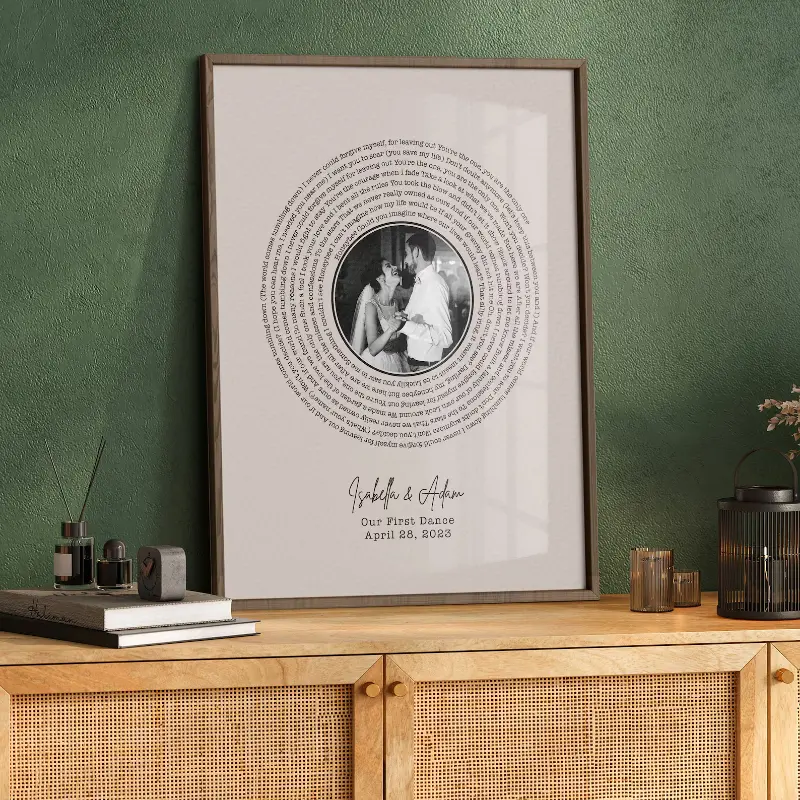
Place a favorite wedding portrait at the center of the song lyrics.

Create a personalized wedding song print with your first dance lyrics, photo, names, and date

Compare wedding song print styles before you design. Each example can be personalized with your song, selected lyrics, wedding photo, names, date, colors, and layout.
Place a favorite wedding portrait at the center of the song lyrics.

Pair the song with the couple names and wedding date.
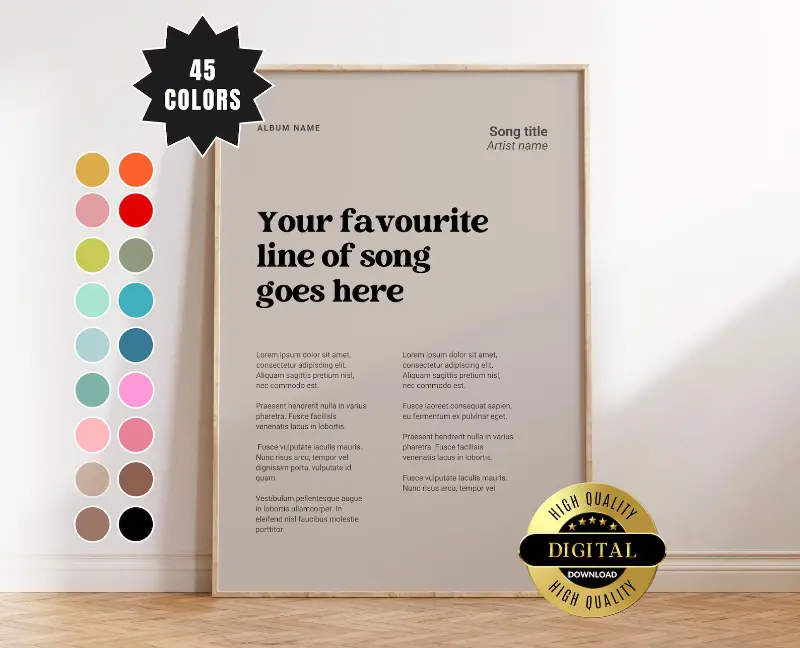
Use a clean composition that works in a standard picture frame.
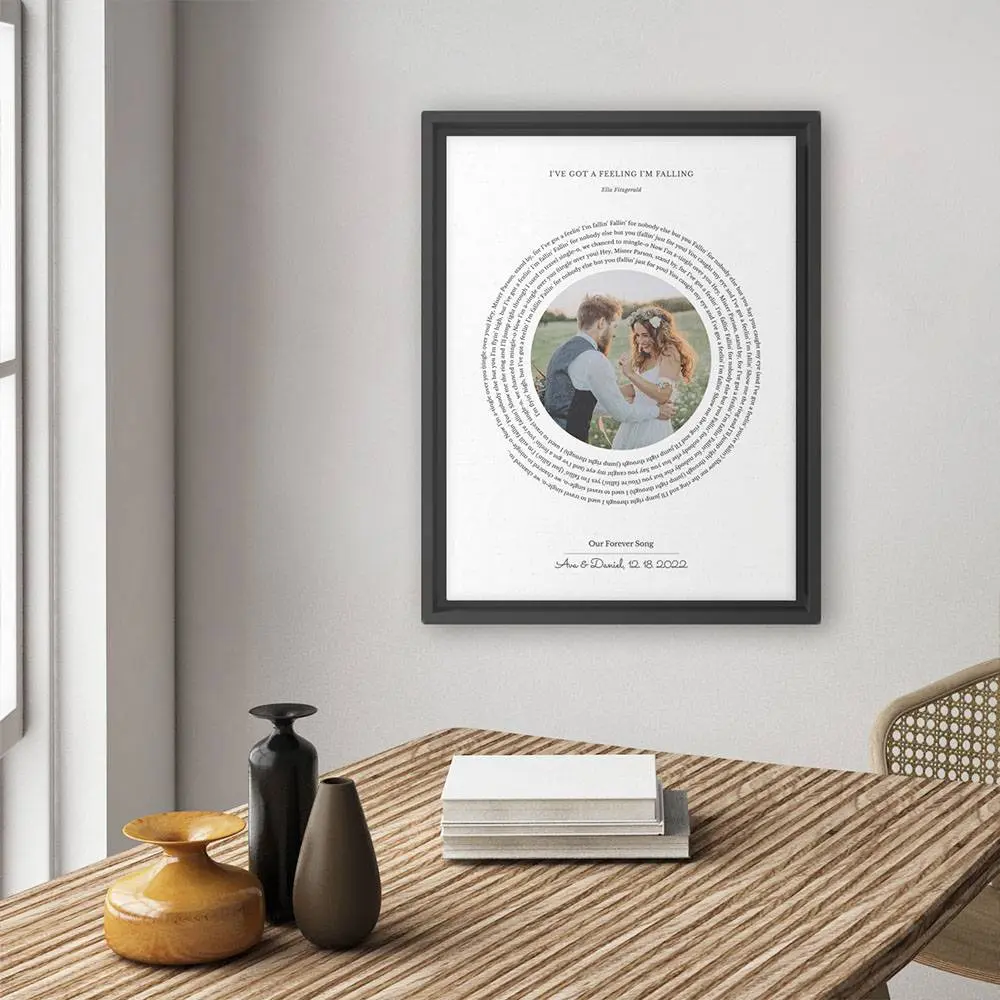
Combine a meaningful lyric excerpt with a photo from the day.
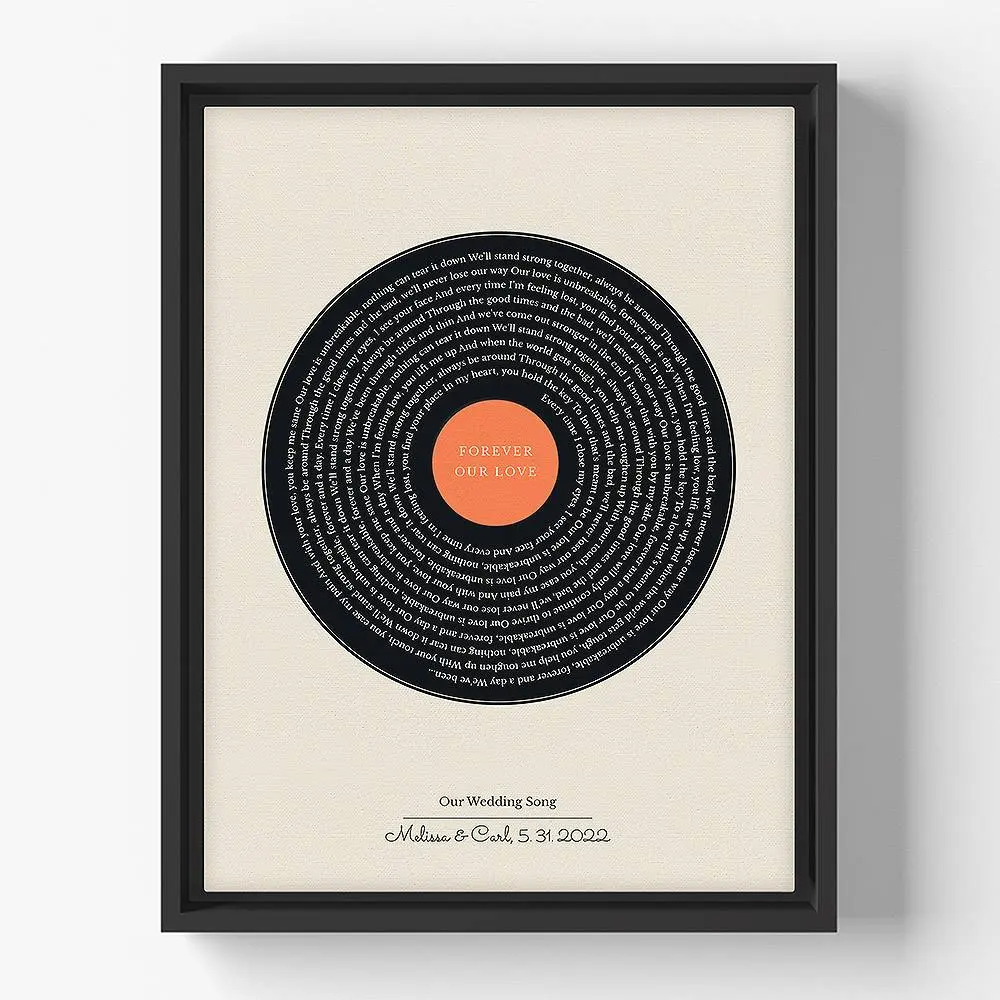
Update the wording or date for a paper anniversary gift.
Give the wedding song a record-inspired layout for a music-loving couple.
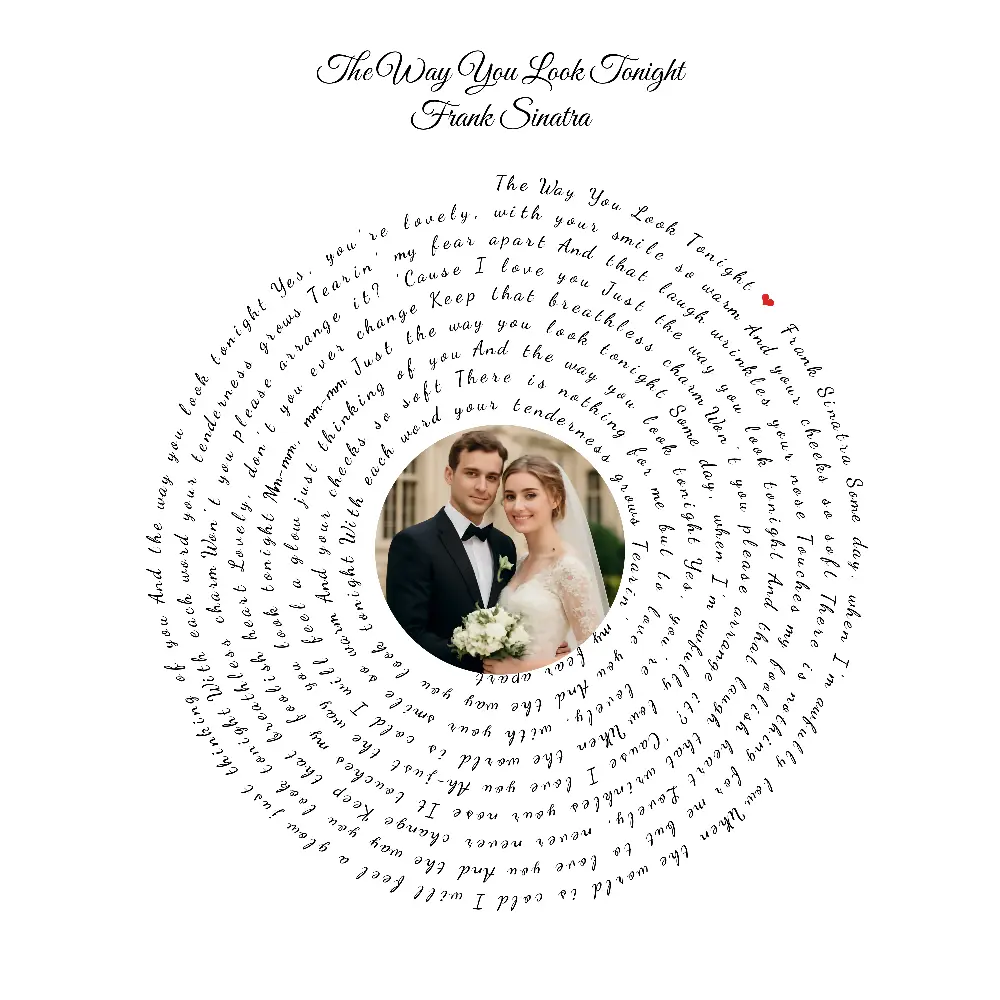
Keep the palette quiet so the photo and lyrics remain the focus.
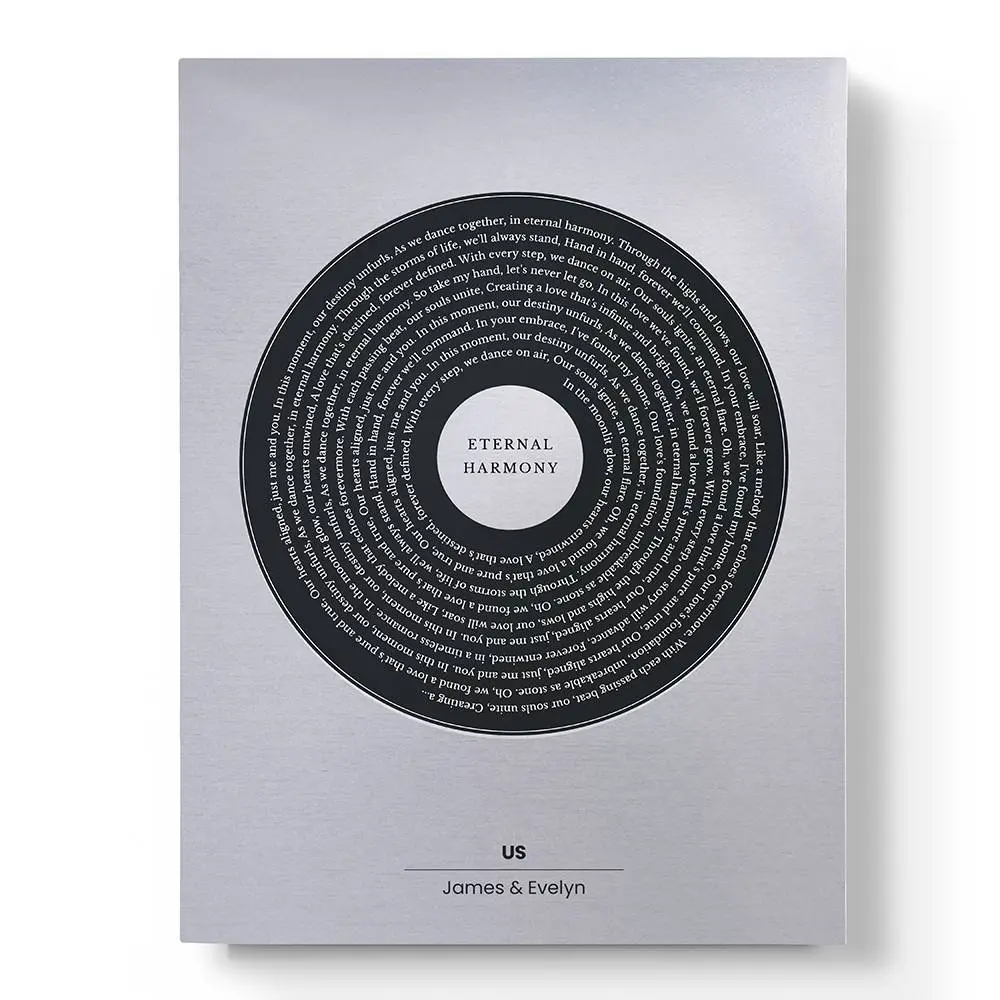
Create a contemporary version for a spouse or newlywed gift.
Create a personalized wedding song print with your first dance lyrics, photo, names, and date
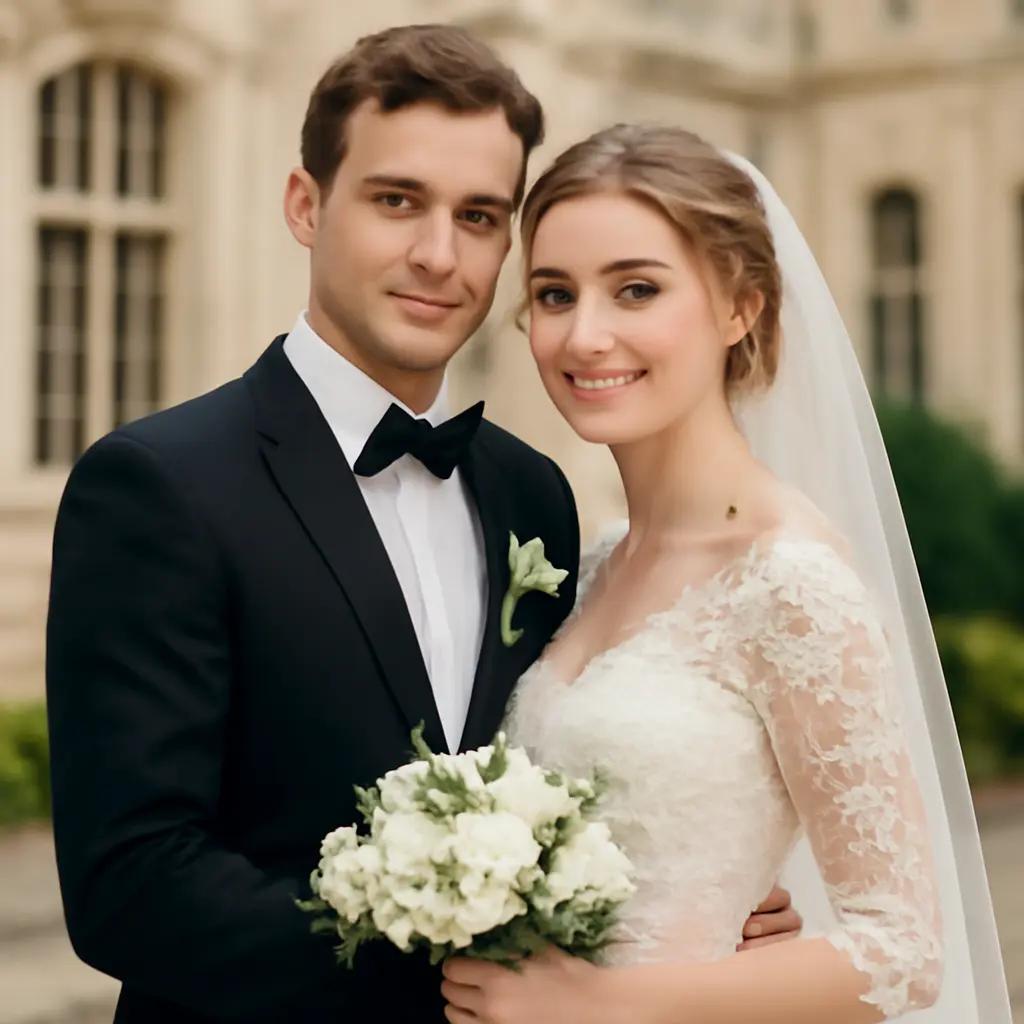
Use the live editor when you want direct control and a file today. A commissioned seller may suit you better when you want someone else to make every design decision.
Start with the same wedding memory, then adjust the wording, size, and finish for the occasion.
Save the first dance song beside a wedding portrait, the couple names, and ceremony date.

Turn the wedding song into a printable paper anniversary gift for your husband or wife.
Create a personal wedding present when you know the couple's first dance song.
Display the song near a guest book, memory table, bedroom, or wedding gallery wall.
Use only the details that make the memory clearer. You can edit every field before downloading.

A balanced choice for newlyweds: one portrait, the selected lyric, both names, and the date.
Skip the photo and let a chorus or short verse lead, with the song title and artist below.
Add a short line such as 'Still dancing' or 'Our song since 2021' for an anniversary version.
Lyricsposter provides a digital PNG or PDF, not a shipped physical poster. You choose the paper, frame, printer, or canvas service.
Match the canvas ratio to the size you plan to print, and leave a little space around important text for a frame or mat.
Compact
A practical gift size for a shelf, nightstand, or small wall.
Wall art
Good choices when the lyric print should feel like a substantial framed gift.
International
Useful standard sizes for local and online printers outside North America.
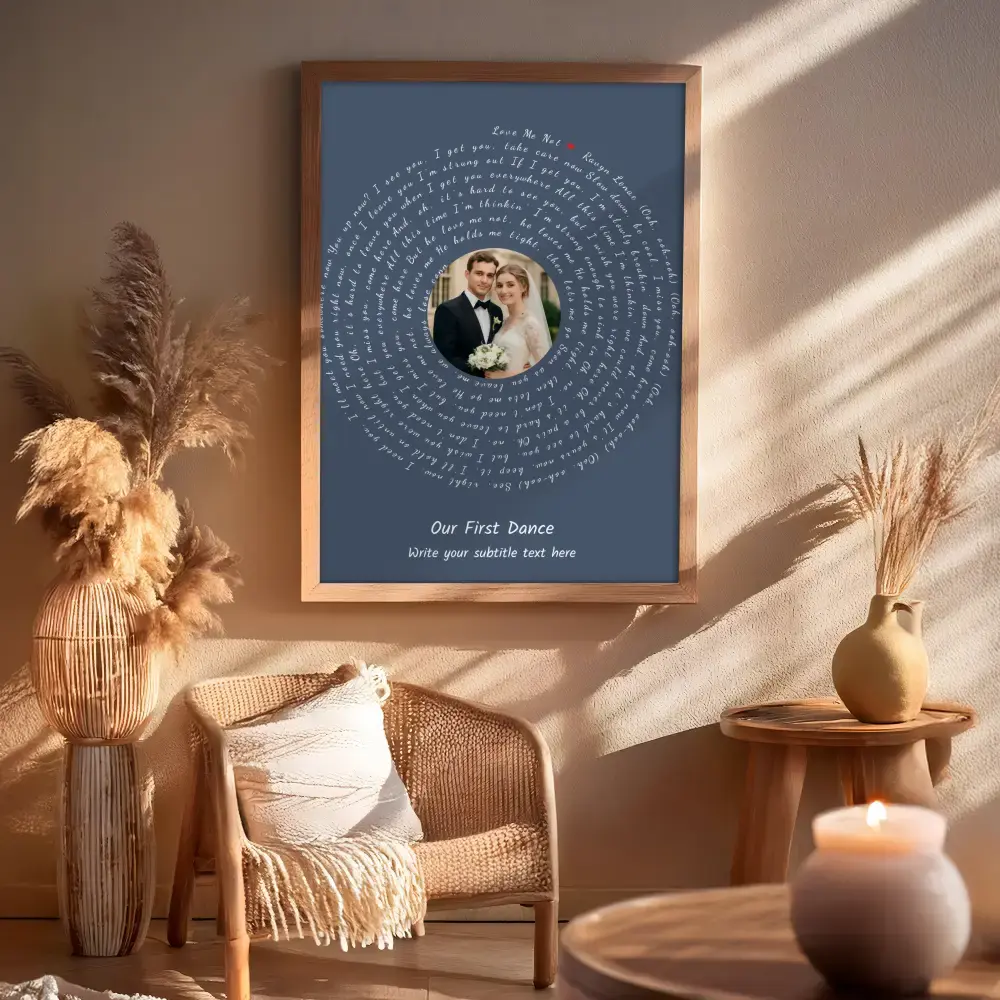
Check spelling, line breaks, photo quality, and margins in the preview. Then export the format that fits your printer.
PNG
Convenient for photo labs, local print shops, and many online printing services.
A reliable option for home, office, and professional document printing.
Finish
Print on matte paper for crisp lyrics, frame it yourself, or send the file to a canvas provider.
Build the digital file once, compare layouts in the live preview, and print it locally or online in the size and finish you prefer.
Transform your wedding memories into beautiful spiral art in just three simple steps

Choose your canvas size, upload your wedding photo, and select colors that match your wedding theme. Adjust the photo size and position to create the perfect foundation for your romantic design.

Input your wedding song lyrics or search for your favorite romantic songs. Add wedding details like your names, wedding date, or special anniversary messages to personalize your design.

Fine-tune the spiral layout, adjust font sizes and spacing, then export your romantic masterpiece in high-quality formats perfect for printing, framing, or sharing.
Use these practical guides to choose a layout and prepare the finished file for printing.
Turn your most cherished memories and favorite songs into premium, print-ready wall art.
Everything you need to know about creating wedding photo with song lyrics
You can create unlimited designs for free! Exporting high-quality images costs just 10 credits - the lowest price online for professional wedding graphics. No subscription required, pay only when you export.
You can upload photos in JPG, JPEG, PNG, and WEBP formats. For best results, use high-resolution images (at least 1000x1000 pixels). Square or portrait orientation photos work particularly well with the spiral layout.
You can input any lyrics you'd like for personal use. Our tool includes a search feature for popular songs, or you can manually enter your wedding song lyrics, vows, or any romantic text that's meaningful to your relationship.
Use the spiral settings to control tightness, spacing, and text size. You can adjust the image radius to change how close the text flows around your photo, and modify line spacing for better readability while maintaining the artistic spiral effect.
We offer a variety of fonts perfect for romantic designs, including elegant script fonts like Kalam, Dancing Script, and Great Vibes, as well as classic fonts like Arial and Times New Roman for wedding details and dates.
Absolutely! You can add wedding details like couple names, wedding date, venue, or special anniversary messages. These appear below the spiral design and can be customized with different fonts and sizes.
You can export your wedding design in PNG (best for digital sharing), JPEG (smaller file size), and PDF (ideal for professional printing). All formats support high resolution suitable for printing up to poster size.
For home printing, use 8x10 or 11x14 inch settings. For professional printing or large wall art, choose 16x20 or 18x24 inch canvas sizes. Always export in PDF format for the highest print quality.
Currently, designs are created in real-time during your session. We recommend saving your settings or taking screenshots of configurations you like, then recreating the design when needed.
There's no strict character limit, but very long texts may affect the spiral layout's appearance. For best results, use complete song verses or meaningful excerpts rather than entire songs.
This tool is designed for personal use, including wedding invitations, anniversary gifts, and personal keepsakes. For commercial use, please ensure you have appropriate rights to any song lyrics or images you include.
Try adjusting the image opacity, changing the spiral tightness, or using a different background color. Photos with clear central subjects and good contrast typically work best with spiral text layouts.
