1
How do I send a song with a message?
Search for the song you want to send, select it from the results, add the recipient's name and your personal message, then create a private share link. You can send the link through any messaging app.

Pick a song, write what you feel, and share a private music note. Send it anonymously or with your name.
5 Click any song to write your message

Die With A Smile
Lady Gaga - Bruno Mars
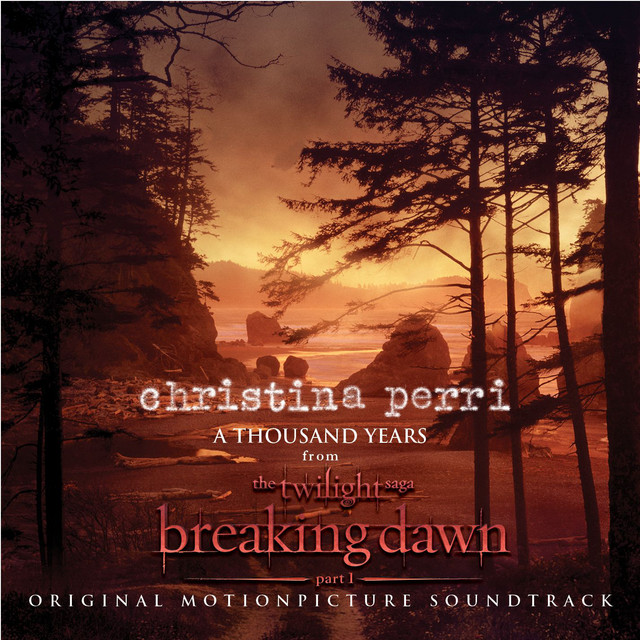
A Thousand Years
Christina Perri
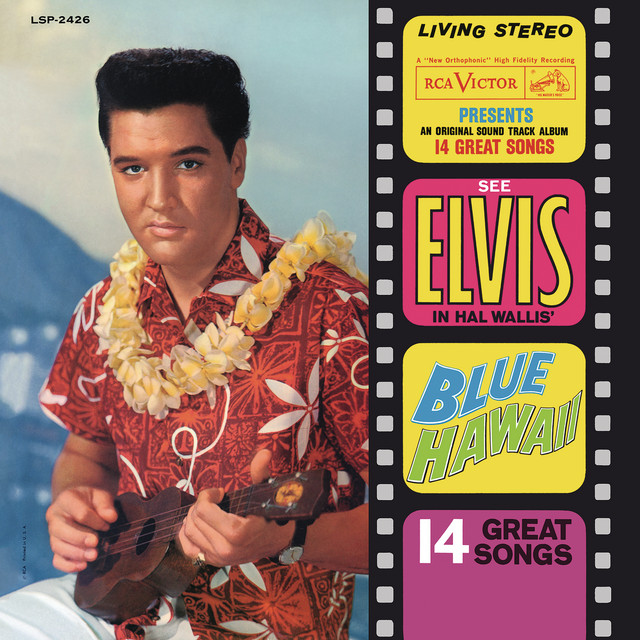
Can't Help Falling in Love
Elvis Presley
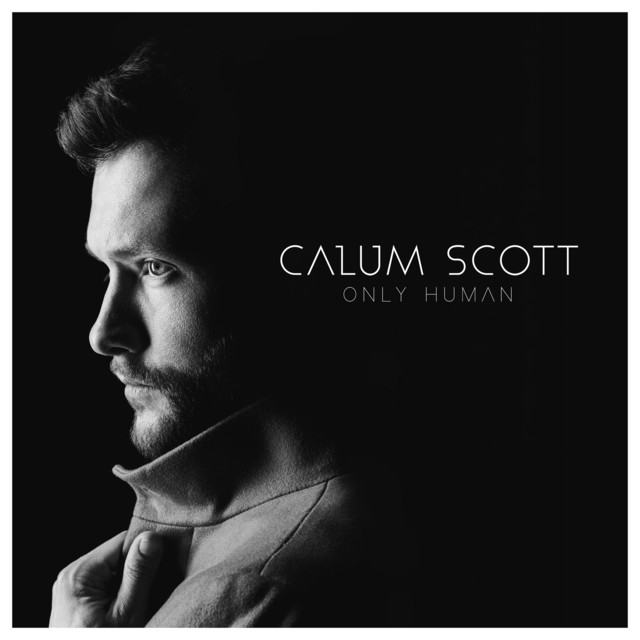
You Are The Reason
Calum Scott
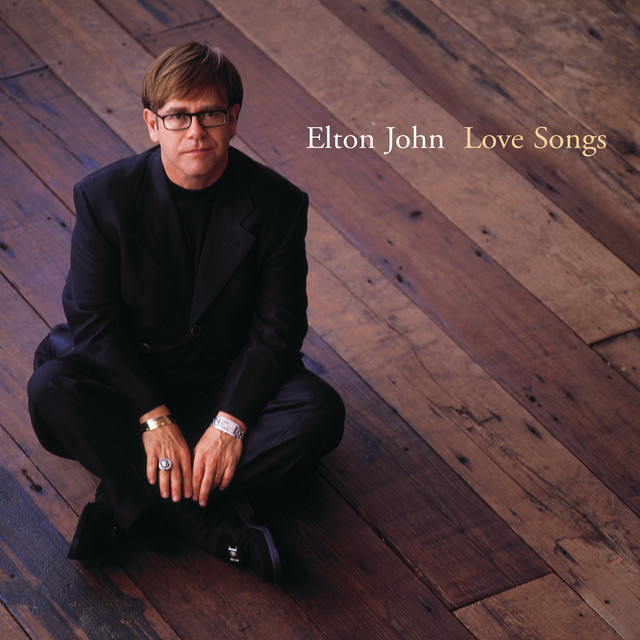
Can You Feel The Love Tonight
Elton John
Say it with music in 3 simple steps
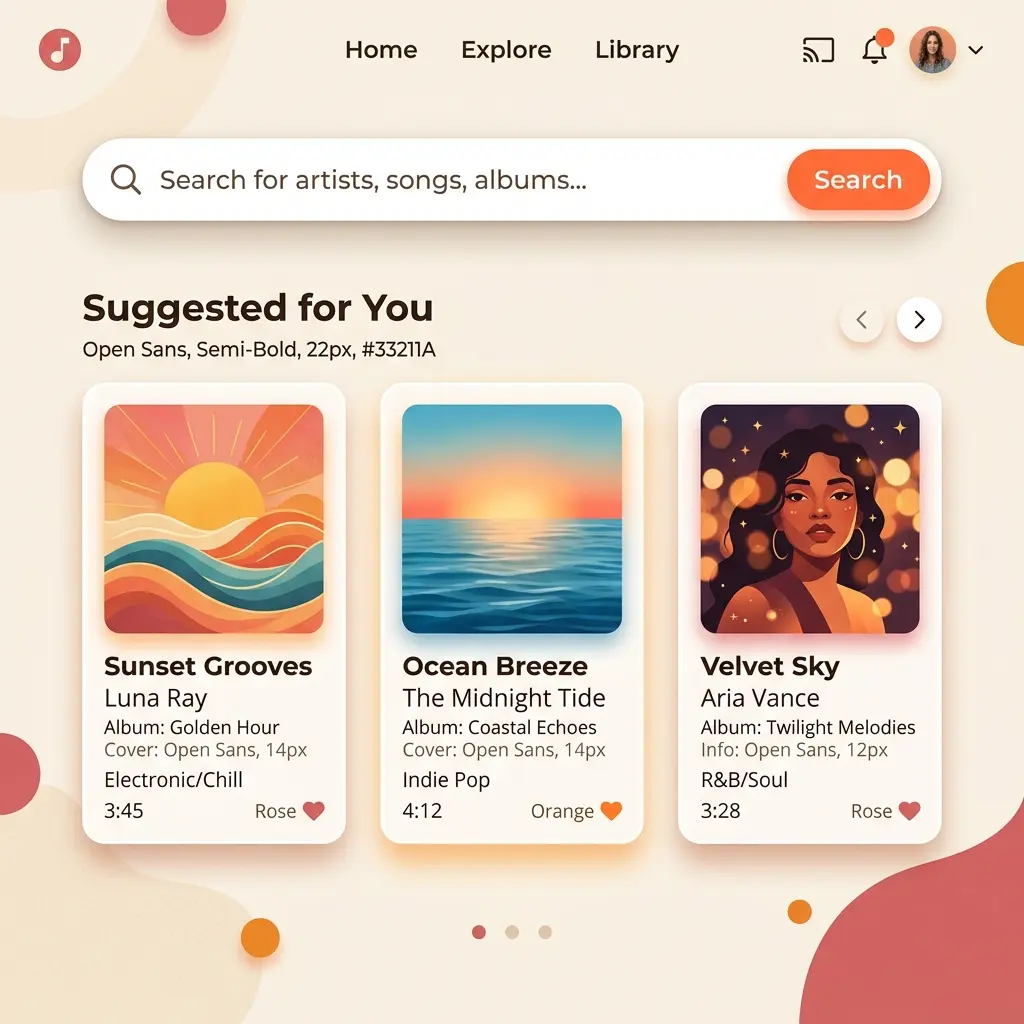
Find the song that says what words cannot. Search by song, artist, or album.
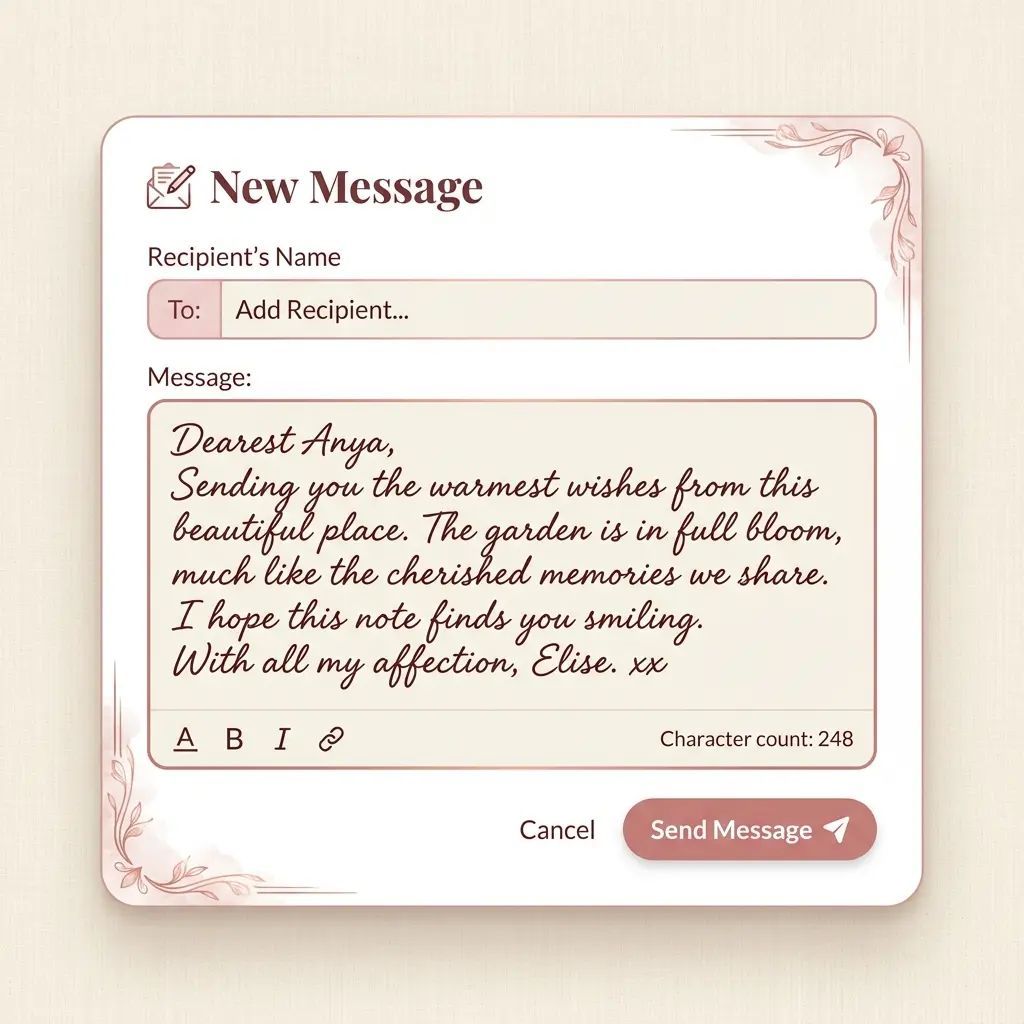
Add your recipient's name and write a heartfelt personal message. Choose to send anonymously or reveal your identity.
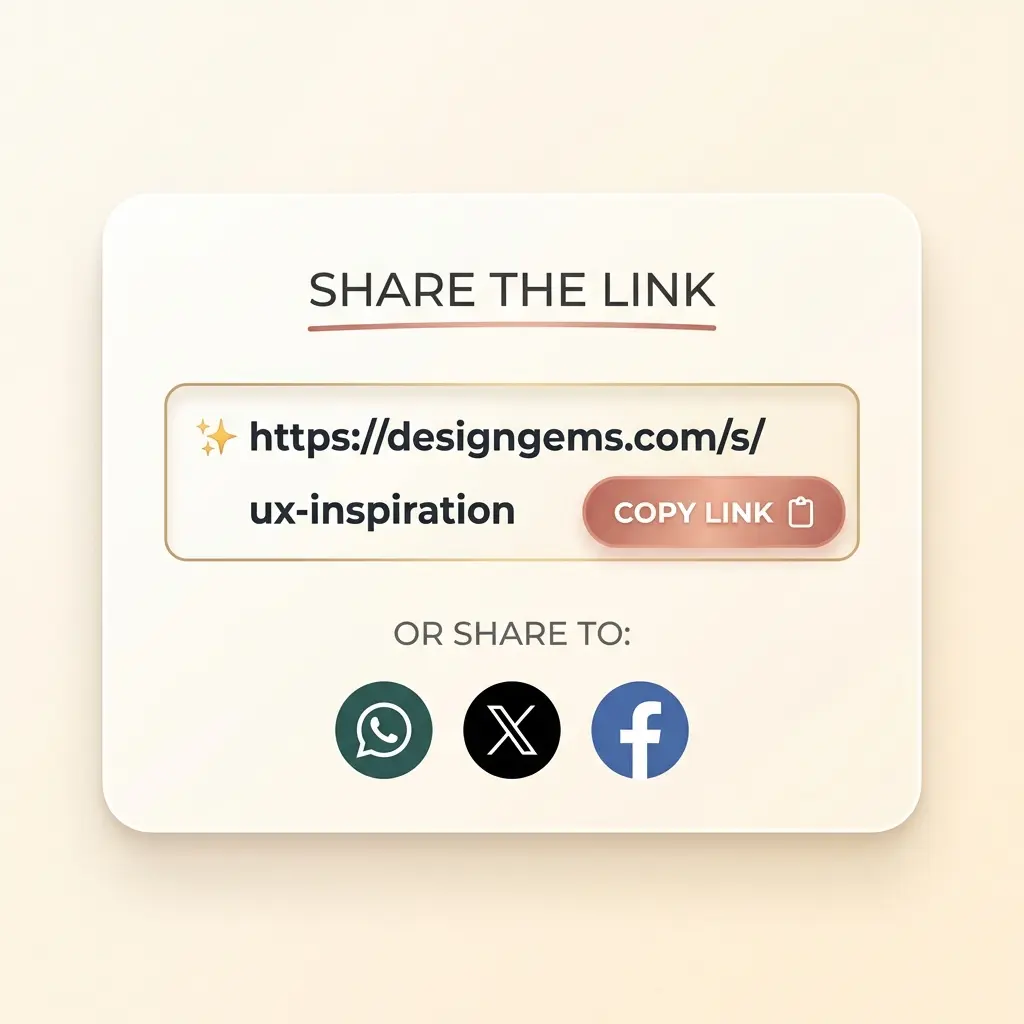
Create a private music note and send the link through any messaging platform.
A personal way to send a song, a dedication, or a quiet confession
Share your feelings through music without revealing your identity. Perfect for secret admirers.
Add up to 1000 characters of personal text to explain why this song is special and what it means to you.
Recipients receive a stunning, mobile-friendly page with album artwork and an elegant design.
Works on all devices and platforms. Your shared links look great on any screen size.
Set expiration times (1h, 24h, 7d, etc.) and manage who can access your musical messages.
Track how many times your shared song has been viewed in your history dashboard.
High Quality Audio
Powered by Spotify
Discover other ways to turn your memories into art

Turn your special place into a beautiful map poster. Perfect for first dates, homes, or favorite cities.
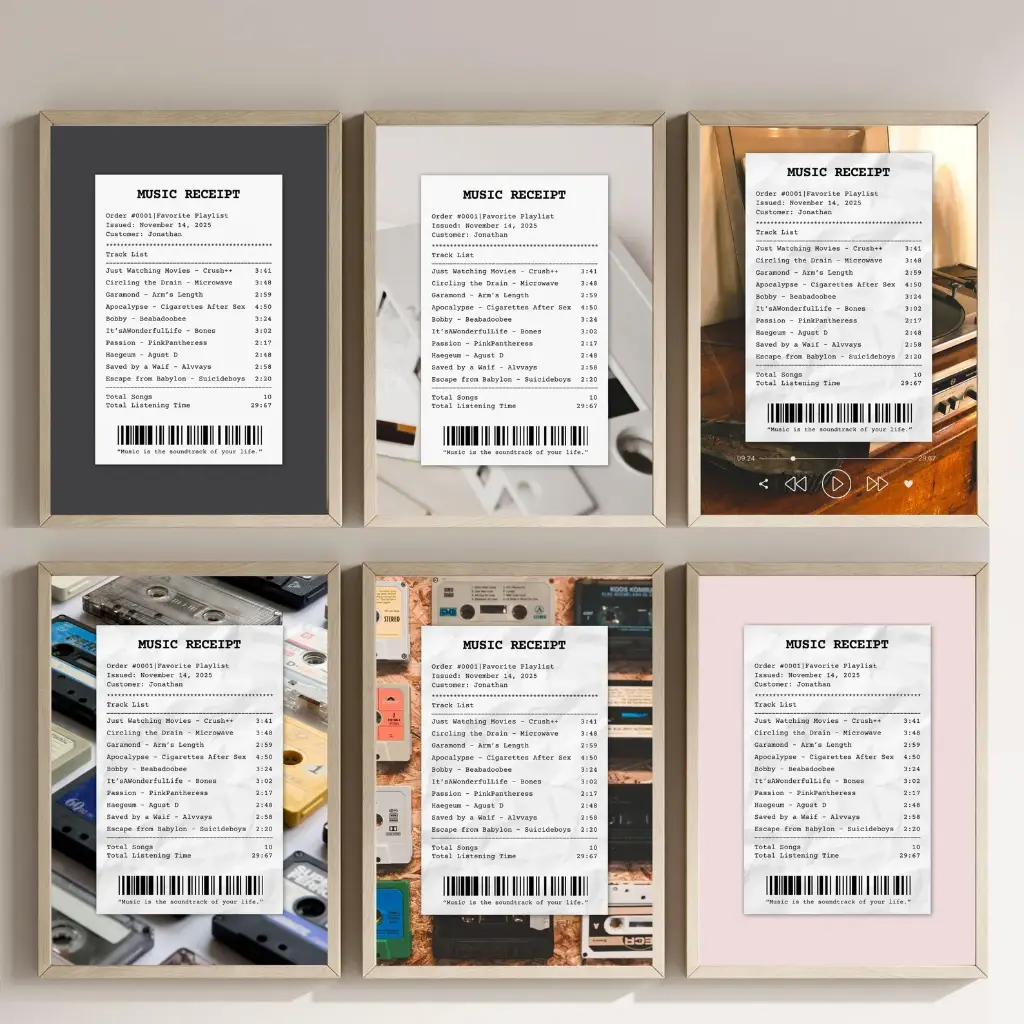
Transform your favorite song lyrics into a creative music receipt poster.
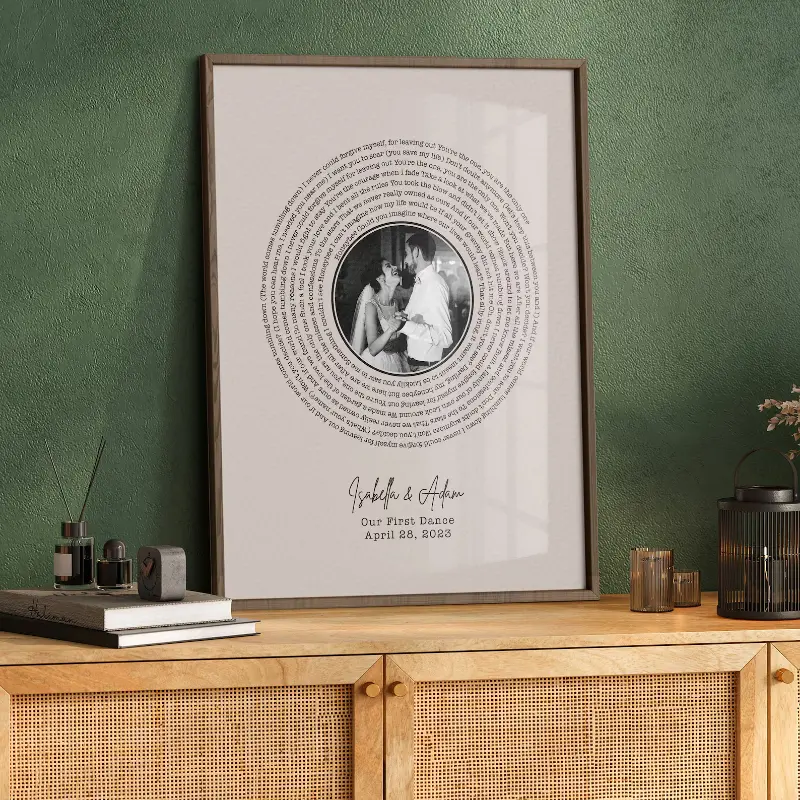
Create a printable personalized lyrics gift from any song.
Everything you need to know about sharing music with Send the Song
Search for the song you want to send, select it from the results, add the recipient's name and your personal message, then create a private share link. You can send the link through any messaging app.
You can choose the expiration time when creating a share. Options include 1 hour, 24 hours, 7 days, 30 days, or never expire. You can always manage your sharing history and see active links.
Yes! You can toggle the 'Send Anonymously' option when creating a share. The recipient will see the song and your message but won't know who sent it.
No. The recipient can open the shared music message in a browser and play the song from the embedded Spotify player or the Spotify link.
Absolutely! You can write a personal message up to 1000 characters to explain why you're sharing the song or express your feelings.
You can share as many songs as you like! We have rate limiting to prevent spam, but normal usage is unlimited.
Yes, you can view statistics including the number of views for each song you've shared in your sharing history.
Recipients get a beautifully designed page with the song artwork, your personal message, and a direct link to play the song on Spotify. They can also reply with their own song share.