First Dance Lyrics Print
Turn a wedding song into a keepsake with names, date, and an optional couple photo.
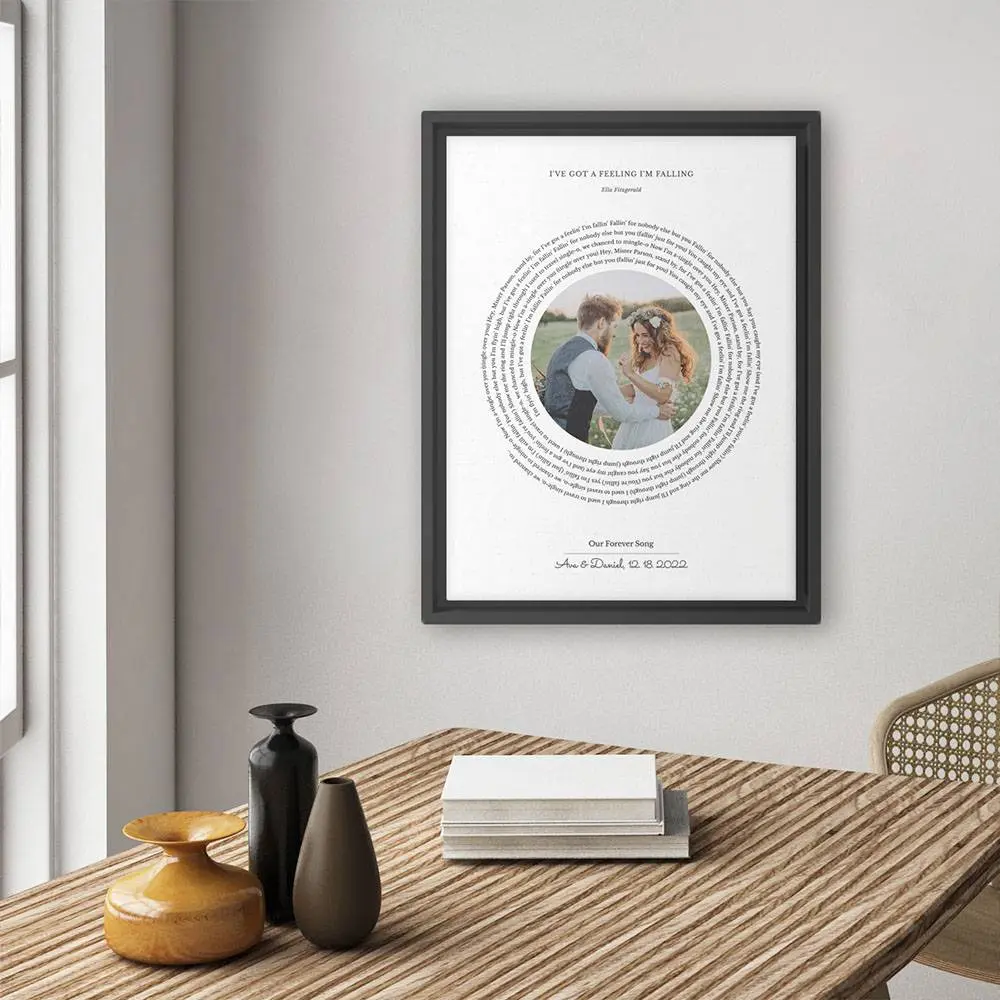

Turn your wedding song, first dance track, or anniversary song into personalized printable wall art combined with your favorite photo, names, dates, and custom layouts.
Design it yourself, preview the finished lyrics poster before paying, and download a print-ready PNG or PDF when it feels right. Perfect for framed wedding gifts, anniversary keepsakes, and paper anniversary gifts.

Search your first dance song, upload a photo, adjust the layout, and preview the finished print live.
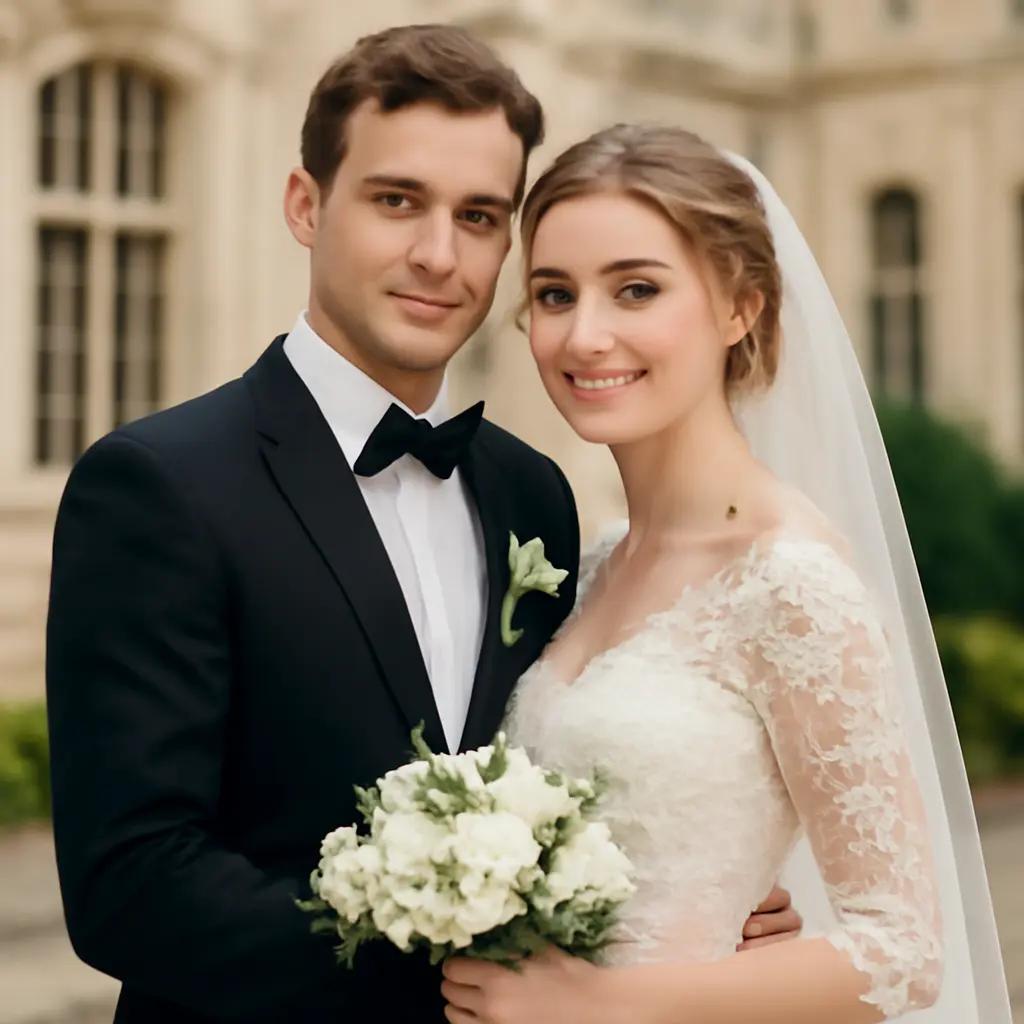
Most buyers are not looking for a tool. They want a personal music gift that feels ready to frame.
Turn a wedding song into a keepsake with names, date, and an optional couple photo.
Make a personal print for paper anniversaries, milestone years, or last-minute framed gifts.
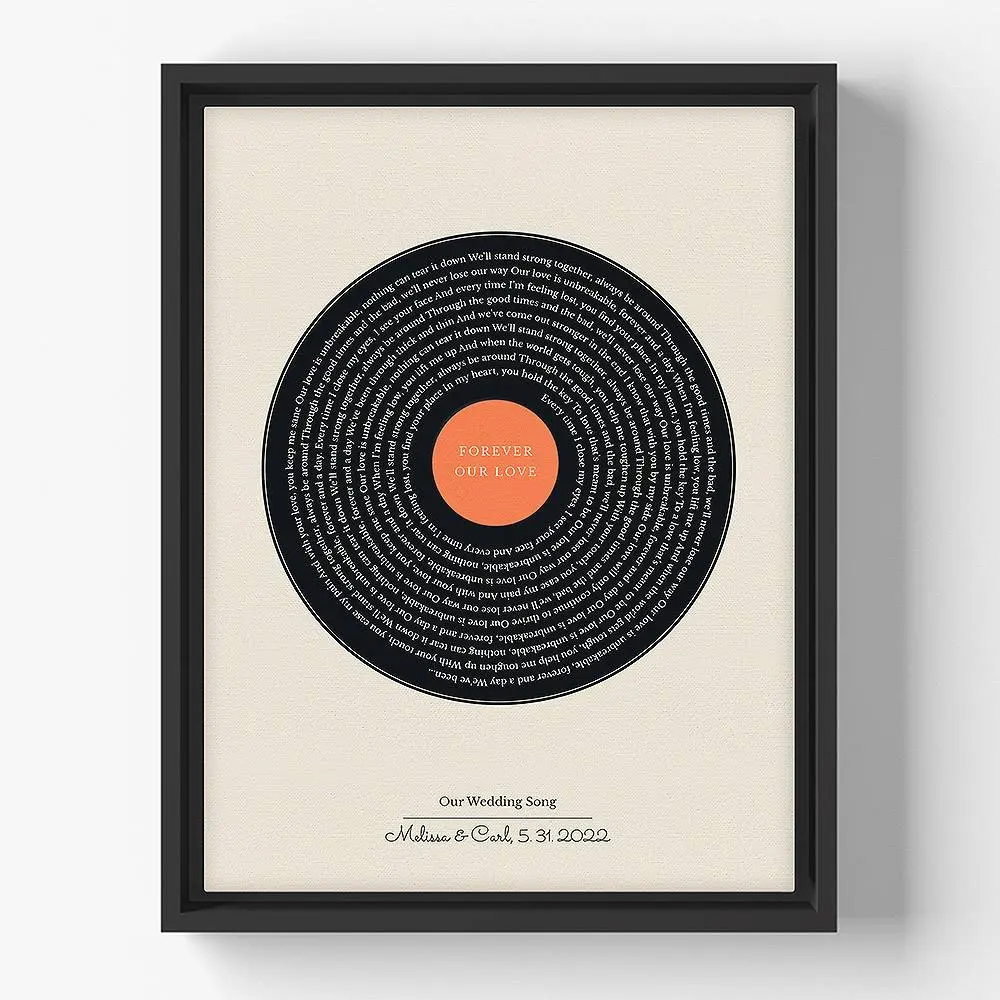
Create a vinyl-style or minimal lyric poster for a bedroom, music room, or studio wall.
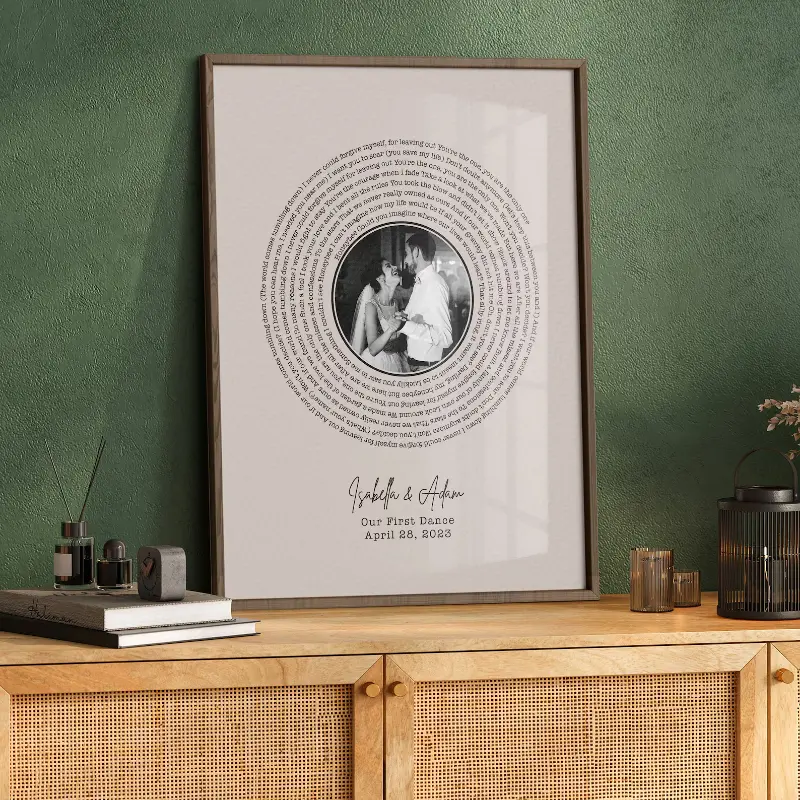
A few common gift directions people preview before downloading the final file.
A framed wedding song print with names, date, and a couple photo for a gift that feels personal immediately.
"The preview made it easy to check the names, date, and photo before sending the file to print."
A record-inspired lyric layout for couples who want their song to look like music wall art, not a plain text sheet.
"The vinyl layout made the song feel like a real keepsake, and the digital file was ready right away."
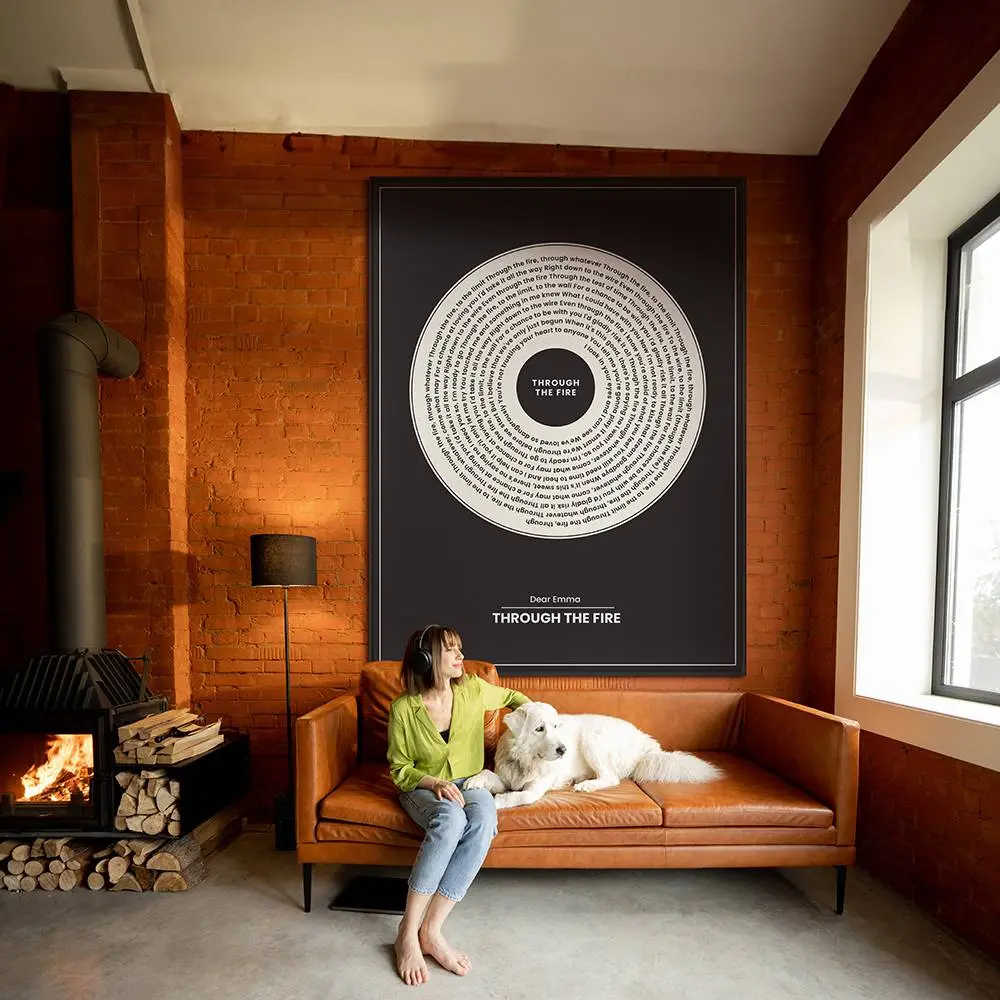
A larger statement print for a bedroom, living room, studio, or music corner where the song becomes part of the room.
"Seeing the print in a room-style preview helped decide the colors and size before downloading."
You receive a digital file, not a shipped poster. The flow stays simple: download the finished design, print it where you prefer, then frame it as a personal music gift.
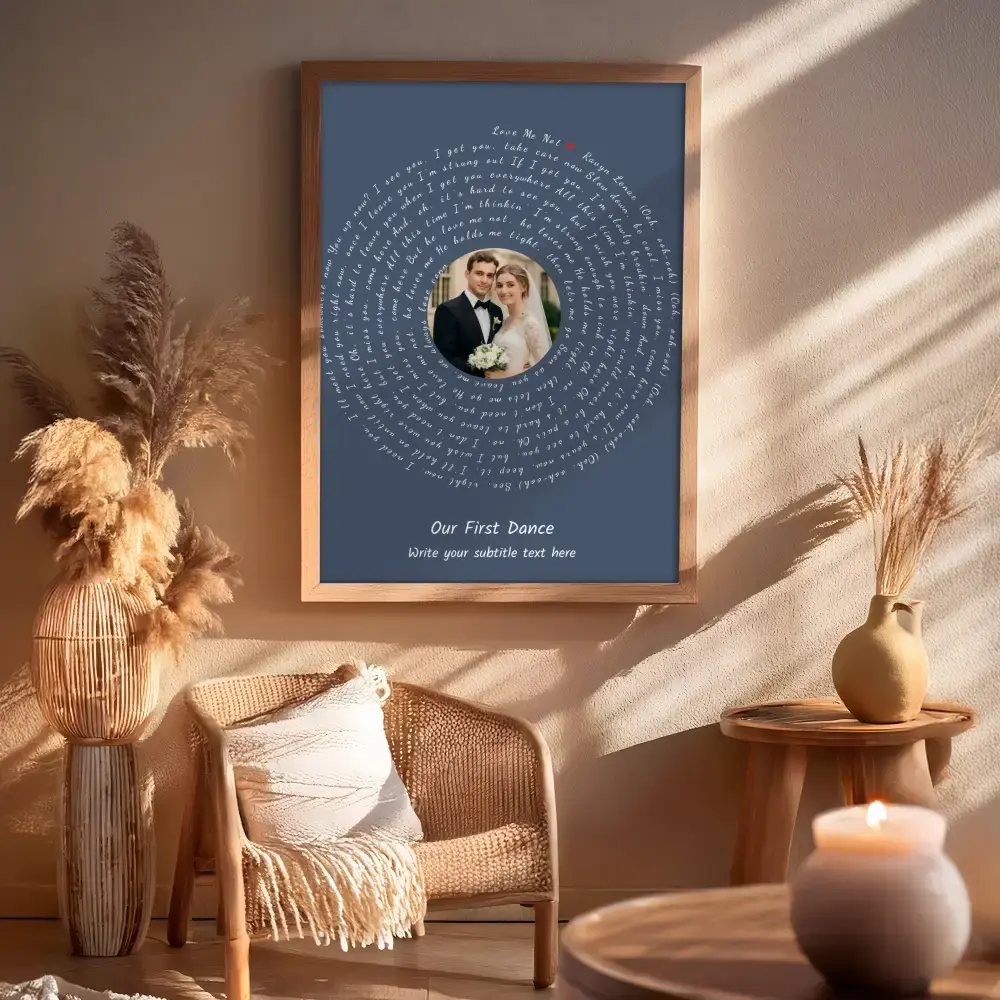
Export the design you previewed in the editor. The file is ready for common digital and print workflows.
Format
Use PNG for photo labs and digital sharing, or PDF when you want crisp text for print shops.
Delivery
No shipping, no physical frame, no waiting for a seller to send a proof.
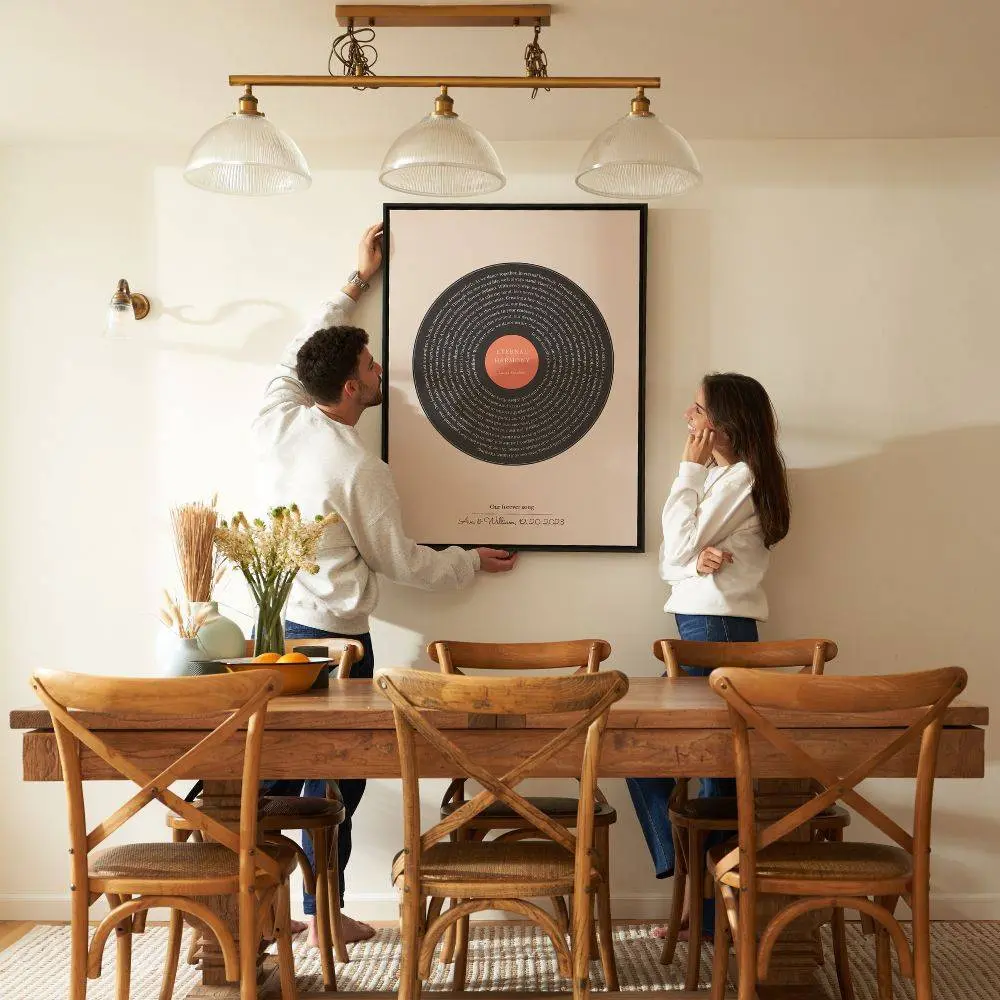
Pick the printing option that matches your deadline, paper preference, and frame size.
Quick option
Good for small frames, last-minute gifts, and checking the design in person.
Gift option
Upload the file to a photo lab or frame service for a polished framed gift.

Use the finished print for the moment people actually search for: a wedding song, anniversary song, or favorite lyric they want to keep.
Gift intent
Add names and a date so the print feels like a keepsake, not just a lyric sheet.
Display
Choose a clean frame, match the room colors, and use the print as personal music wall art.
Export the design, print it locally or online, and pair it with a song link or QR code for a complete personalized music gift.
Turn your most cherished memories and favorite songs into premium, print-ready wall art.
Feature your favorite song or wedding first dance lyrics in a retro vinyl record style layout with a personalized photo center.

Display your vows, wedding readings, or ceremony promises in an elegant spiral wrapped around a wedding photo.
A more polished guide to gift quality, printing, framing, and what happens after you download.
The best prints start with a song that already belongs to a moment: a first dance, an anniversary, a road trip, a proposal, or a song you both keep returning to. Add only the details that make the memory clear, such as names, date, song title, artist, and one short message.
In our editor, you can search for your wedding or first dance song, upload your favorite couple photo, and adjust the layout (such as circular lyrics around the photo or side-by-side) to see a live preview instantly. Once customized, you can download a print-ready file.
Most framed gifts look better with a chorus, verse, or short lyric section instead of the full song. Shorter text is easier to read, gives the design more breathing room, and usually feels more premium once printed.
No. This is a printable digital download. You create the design online, preview it, then export a high-resolution file that you can print at home, at a local print shop, or through an online photo lab.
PNG is a strong choice for photo labs, online printers, and digital sharing. PDF is a good choice when you want crisp typography and your print shop supports it. For framed gifts, choose the format that your printer recommends for the paper size you plan to use.
Matte paper usually looks better than glossy paper for lyric art because it reduces glare and makes the typography feel calmer. A simple black, white, natural wood, or gold frame is usually enough. Leave a little margin so the frame or mat does not cover important text.
Yes. You can design and preview your custom lyrics print before using credits. Free exports include a watermark; watermark-free downloads use credits.
Yes. You can create multiple versions for different songs, colors, layouts, sizes, or gift recipients. This is useful if you want to compare a photo layout with a minimal typography layout before printing.
Yes. You can search for a song or paste custom lyrics, vows, poem text, a quote, or a short personal message. That makes the design useful for private songs, wedding vows, memorial text, or a gift that is not tied to a published song.